Works on the phone you’ve already got.
A baby tracker that runs right in your browser. Open it on any phone, log the first feed, done. Add it to your home screen and it opens like any other app.



Open it like any web page.
It runs in the browser your phone already has: Safari on an iPhone, Chrome on Android. No store account, no update to sit through.
- Open.
Go to app.bundleofjoy.love.
- Sign up.
Your email and the code we send you, or your Google or Facebook account. Then your baby’s name, birth date and sex. About a minute.
- Log.
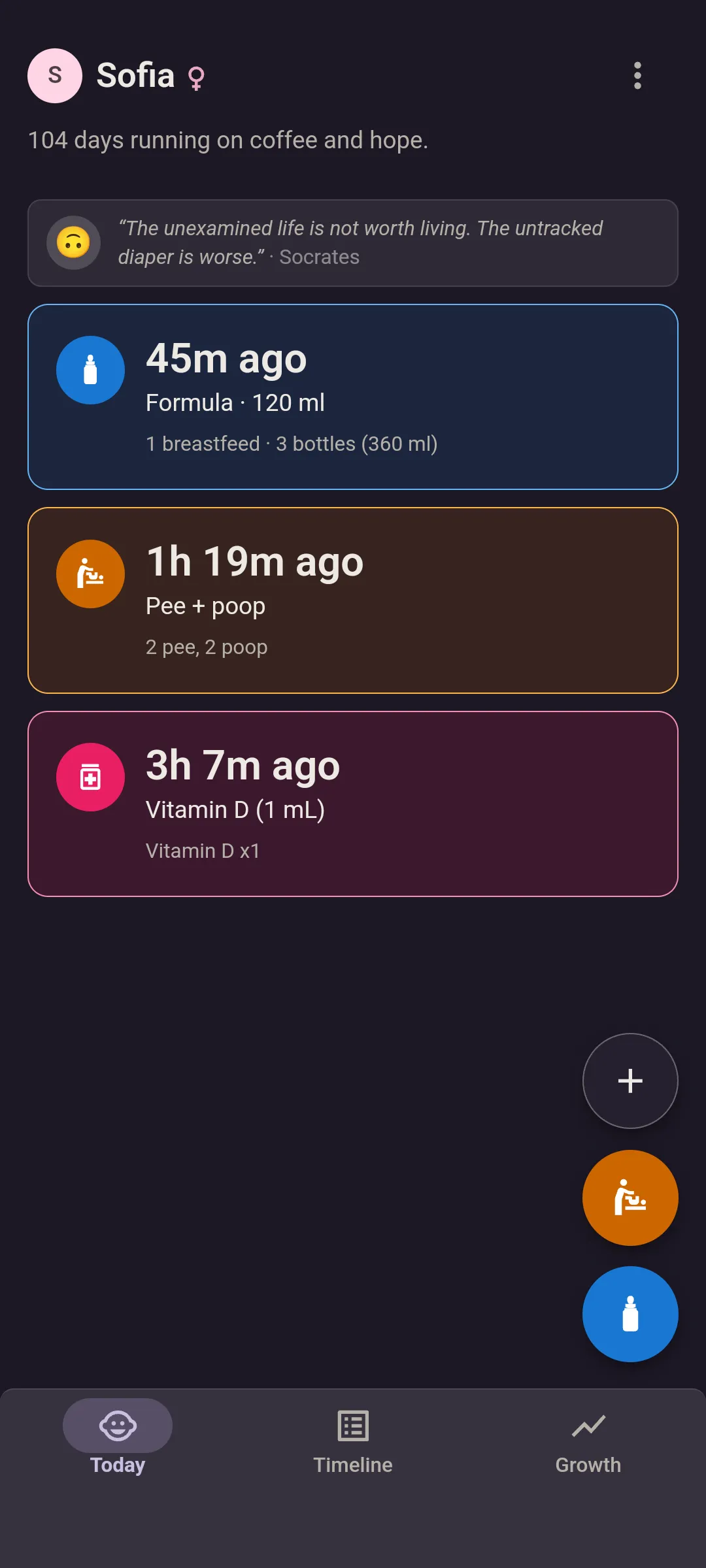
Feed and diaper sit right under your thumb. Formula, 120 ml, save.
Bottles in ml or oz, breastfeeding by side, solids by food. Pee, poop or both. Medicine with the dose. Weight in kg or lb. Backdate anything in two taps.


Nothing to download.
On your home screen, it’s an app.
One icon next to your others, full-screen when you tap it, and the last feed is up before you’ve finished squinting. The app shows you how to add it the first time you open it.
iPhone: Safari
Open app.bundleofjoy.love in Safari, tap Share, then Add to Home Screen. When the App Store app arrives, sign in and everything you’ve logged is already there.
Android: Chrome
Open it in Chrome and tap Add to Home screen. Or get the Android app from Google Play, sign in, and your baby and every entry are already there.
- A home screen widget in the Android app, with the time since the last feed and diaper. Log from it without opening the app.Premium
- Long-press shortcuts. Hold the icon for Log a feed and Log a diaper.
Get it on Google Play · The widget, and everything else built for 3AM
Different phones, same log.
iPhone and Android in the same house? Sign up on whatever you’ve got and send your partner the invite link. They open it in Safari or Chrome, make their own login, and you’re both logging to the same place, with a name on every entry.
Nobody shares a password, and only the people you invite can see it.
No signal? Log it anyway.
In the browser or the Android app, a feed logged offline waits on your phone and sends once you’re back online. The Today screen still shows what it last knew, so the last feed is right there, signal or not.
Questions about phones and browsers.
Does it work on iPhone?
Yes. Open app.bundleofjoy.love in Safari and add it to your Home Screen. It opens full-screen and does everything the Android app does except the widget. The App Store app is on its way, and your account and everything you’ve logged come with you.
I was sent an invite link. Should I sign up on my own instead?
No, open the link. It puts you straight into their family, with everything they’ve logged already there. Already signed up? The link still works as long as you haven’t added a baby. If you have, you’ve started a separate family of your own.
How do I sign in?
With your email address, or with your Google or Facebook account. Pick email and we’ll send you a code to type in. No password to remember.
Is there a home screen widget?
Yes, in the Android app, and it’s free. It shows how long since the last feed and diaper, ticking every minute, with the time it happened beside it. Your partner’s logs show up on it within about 15 minutes, even with the app closed. With Premium, you log from it too, without opening the app: every type you track, with the same amounts, sides, doses and notes as the app. Tap 120 ml and it’s saved, with Undo if your thumb slipped. Photos stay in the app. Twins get a widget each. There’s no widget in the browser version. On a Wear OS watch, the tile shows the same two times, and logging from it is free.
Open it on the phone in your hand.
iPhone, Android, same account.