Which side was it? It remembers.
Start the timer on the side you’re feeding from, pause it when she does, and save with one tap. Next feed, the app shows the side you used last.

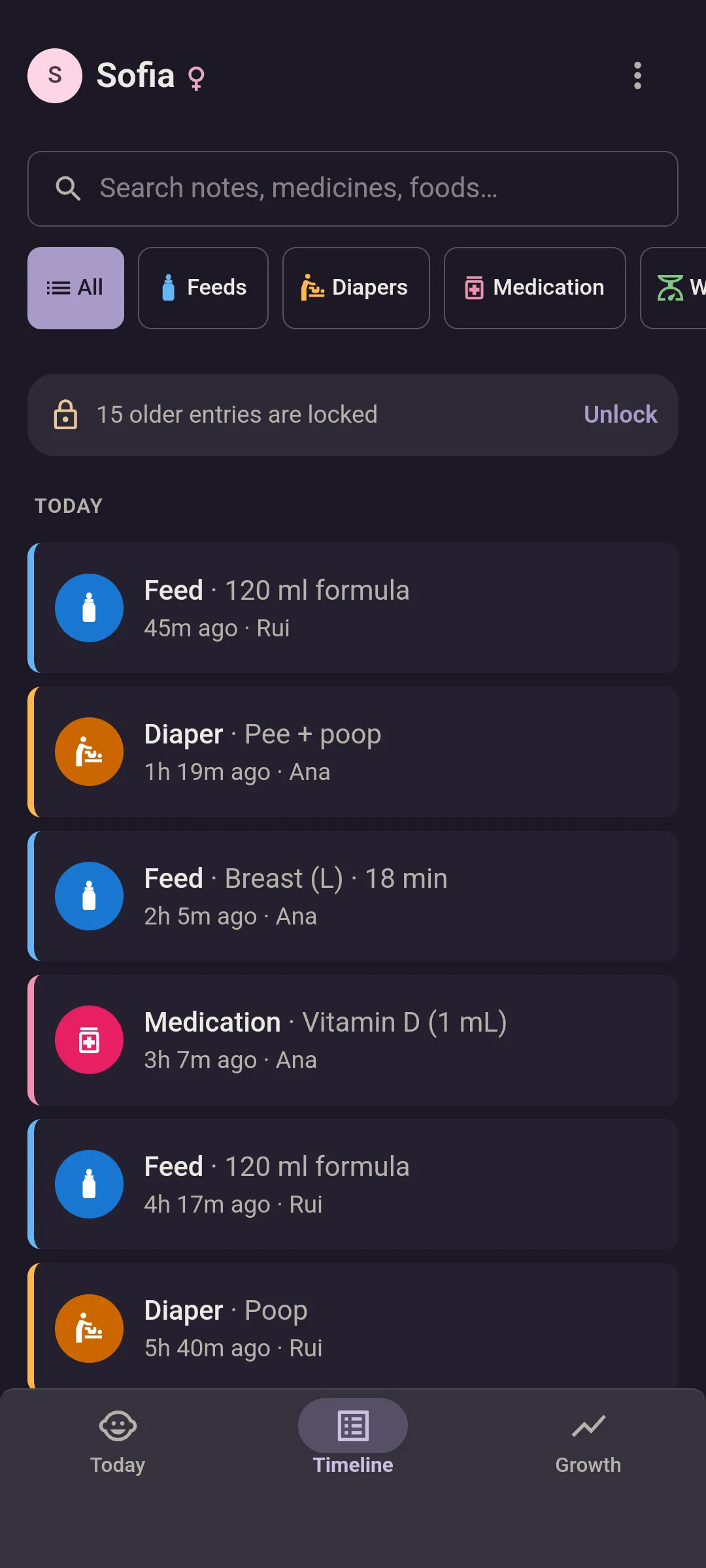


A breastfeeding timer you can pause.
Latch slipped, diaper needed, phone rang? Pause it, and the minutes pick up where they stopped.
- Start left or start right. One tap, and it’s counting.
- Pause and resume as often as the feed needs.
- Stop and save. The feed goes in with the side and the minutes, timed from when you started.
- “Last time: Left.” When you start the next feed, it shows the side you used before.
- Keeps time with the app closed. On Android it ticks in your notifications, even if the app gets shut.
- Forgot to start it? Log the feed afterwards with the side, and the minutes if you know them.
Your partner knows without asking.
Start a feed and your partner’s phone shows it, “Ana is feeding”, with the minutes ticking. So they know whether to bring water or go back to sleep.
- Either of you can stop it. Left your phone upstairs? Your partner can end the feed from theirs.
- Every feed is signed. The log shows who logged it, which side and for how long.
Phone out of reach? Log it from your wrist.
On a Wear OS watch, a feed is two taps from the tile: left, right or both. It’s free, and the tile shows how long since the last feed.
The feed timer’s free.
What it doesn’t do.
- Pumping. There’s no pumping log, and a bottle of pumped milk can’t be told apart from formula.
- Tell you when to feed. It shows how long it’s been. For how often babies feed at each age, here’s what the CDC and the AAP say.
Feeding every hour tonight? What the sources say about cluster feeding.
Questions about logging feeds.
What can we log?
Feeds (bottles in ml or oz, breastfeeding by side, solids by food), diapers (pee, poop or both), medicine with the dose, and weight, height and head circumference. Premium adds sleep, bath, tummy time, temperature and a photo on any entry. You can backdate anything and add a note.
Is it free?
Yes. No card, no countdown, no end date. Free covers two people and one baby, with feeds, diapers, medicine and growth measurements, reminders, the WHO growth charts and the pediatrician report, dark mode, offline logging, CSV export, the Android widget with the last feed and diaper, and the Wear OS watch app. Your last 7 days stay on screen, and nothing older is ever deleted.
Is there a watch app?
Yes, for Wear OS, and it’s free. A tile shows how long since the last feed and the last diaper, counting up, and the watch app adds who logged each. A watch-face complication keeps the time since the last feed in view. Logging is two taps from the tile: bottle, left, right or both for a feed, pee, poop or both for a diaper, with Undo. No signal? It saves on the watch and sends later. Your partner’s logs reach it within seconds, or within about 15 minutes if the push is held up. Pair it once with a code you approve on your phone. Twins? Pick the twin on the watch. Any watch on Wear OS 4 or later works: Pixel Watch, Galaxy Watch4 and newer. Apple Watch? Not yet.
Which side? Already on screen.
Free for two, with the feed timer included.