One shared login, or one each?
Baby trackers let two parents log in one of two ways: you both sign in to the same account, or you each get your own login to the same baby.


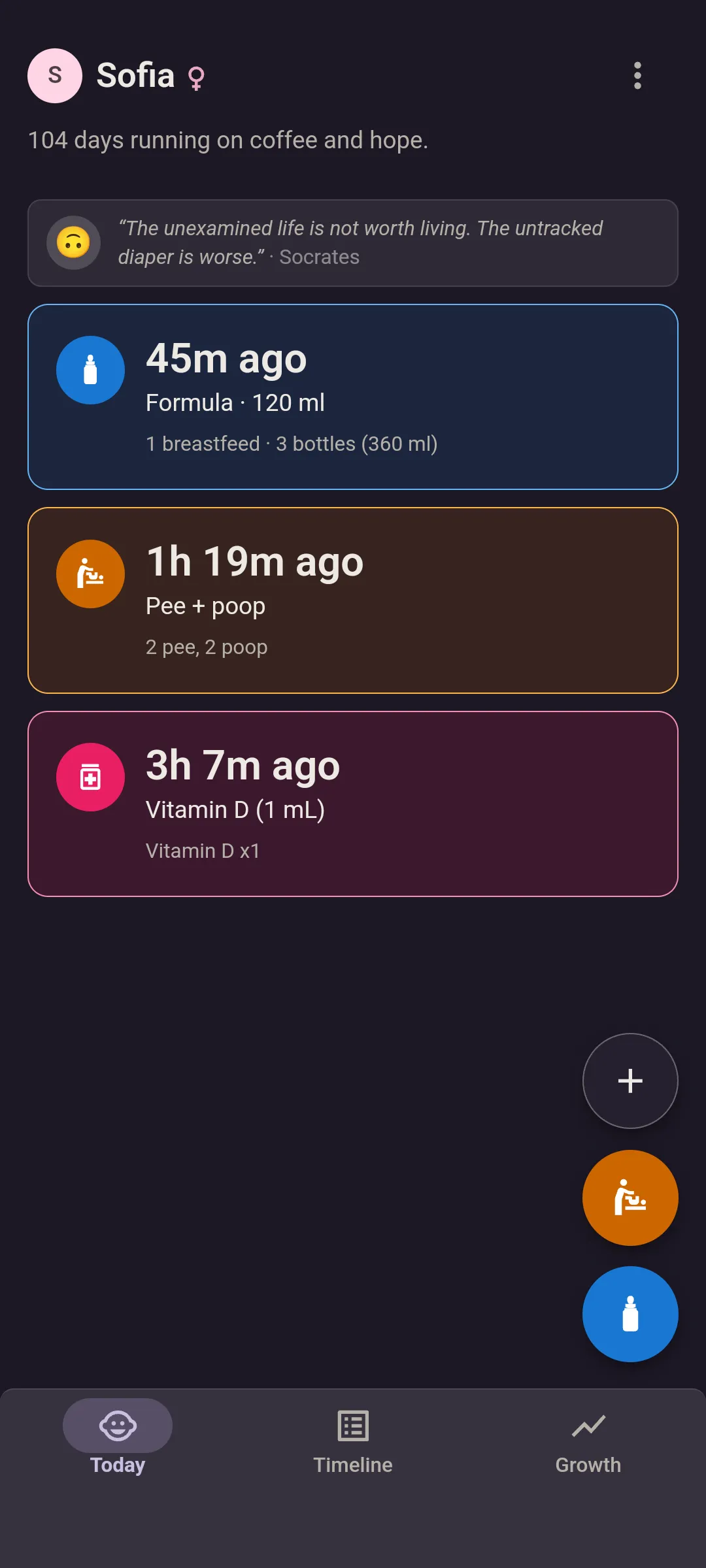


The same account, on both phones.
You both sign in with one email and one password. It works, and plenty of families do it. You’re sharing a password, though, and one of these apps asks you not to use both phones at once.
Huckleberry
“To share Huckleberry across multiple devices, caregivers can sign in to the same account on each phone. This lets everyone log sleep, feedings, and diapers, with updates syncing automatically between devices.”
Huckleberry pricing page
Baby+ (Philips)
“To share the app with your partner, both of you need to log in with the same account details on each of your devices”
Baby+ help center
“One phone at a time: To avoid any issues, don’t use the app on both phones at the same time.”
the same article
A login each, for the same baby.
You each sign up with your own email, join the same baby, and log as yourselves. The catch is price: some apps include the second login free, others put it in a paid plan.
Glow Baby
“To login as a partner simply download the app and tap 'login'. Then, enter the same email address that your partner invited and create a password.”
Glow help center
“In order to add a second caregiver, a Glow Premium Family Plan membership is required.”
Glow help center
“Without the subscription, you can only track your baby on your account.”
the Glow Baby page on glowing.com
The second login is part of a paid plan.
Baby Connect
“Each account will then be linked to your child, and everybody will be able to view and enter information about your child.”
Baby Connect support page
Nara Baby
“We recommend each user of the app register using their own email and password (rather than sharing a single login).”
Nara Baby app FAQ
ParentLove
“Share for free. No limit on caregivers. Each has their own login.”
ParentLove comparison page
Free for good, or free for a week?
“Free” means two things on a baby tracker. Some apps have a free plan you keep logging on. Others start with a free trial, and when it ends you can still read and export what you logged, but the next feed needs a subscription.
Nara Baby
“Nara families get a 7-day free trial with full access to the app.”
Nara Baby app FAQ
“If you decide not to subscribe, you’ll still be able to view and export your existing tracking data in the app, but you won’t be able to add new tracking.”
the same FAQ
Huckleberry
“There are 3 Huckleberry membership tiers, including a free tier which features basic logging tools and reports.”
Huckleberry pricing page
“We also give two weeks of free access so members get a chance to check out some of our advanced features before committing to a paid subscription.”
the same page
Quoted from their own pages on , by the people who make Bundle of Joy. Plans change, so follow the links for today’s.
And us?
A login each. Your partner joins with one link, free, and every entry has the name of whoever logged it. Grandparents or a nanny can join the same way with Premium, one price for the whole family.
- Two people and one baby, free. Growth charts and the pediatrician report included.
- No trial clock. Free shows your last 7 days and keeps everything older, and the CSV export includes every entry. Sleep, a third person and your full history on screen are Premium.
- No import from another app. You start fresh with the next feed.
- Some apps above track things we don’t. Glow Baby logs pumping, for one.
How sharing works here · Coming from Glow Baby, Baby Connect or Huckleberry?
Checked against each app’s own published pages on . Plans change, so follow the links for today’s.
A login each, from the next feed.
Your partner’s login is free. Send them the link and you’re both in.